



Wedding Planning Like a Pro: Tools and Tips to Keep You Sane
Planning a wedding can feel like a full-time job — juggling vendors, budgets, timelines, and countless decisions, all while trying to enjoy your engagement. But the truth is, with the right tools and systems in place, the process can be smoother, more efficient, and even fun. Here are a few planning habits that professional wedding planners swear by, and every couple can benefit from adopting:
Create a Wedding Google Drive
Think of this as your wedding headquarters. A shared Google Drive folder keeps all your contracts, quotes, guest lists, inspirational photos, and spreadsheets organised and accessible anytime, anywhere. Share it with your partner, planner, or anyone on your wedding team. This eliminates the back and forth of, “Can you send me that file?” and ensures everyone’s working from the same information.
Set Up a Wedding-Only E-mail Address
It might sound simple, but this one’s a game changer. Create a separate e-mail address — something like your name and his name @gmail.com — for all things wedding-related. Use it for vendor communications, quotes, RSVPs, and newsletters. When you need to find a florist’s message or a payment confirmation, it’ll be right there, instead of buried among work or personal e-mail. Bonus: When the wedding’s over, you can archive everything neatly and close that inbox chapter with your “I do.”
Use a Shared Calendar App
Between tastings, fittings, meetings, and payment deadlines, your wedding schedule can fill up fast. A shared calendar app like Google Calendar or Apple Calendar helps you stay on top of everything — and allows your planner, partner, or family to see updates in real time. Colour-code events (blue for planning meetings, pink for payments, green for beauty appointments) to make tracking even easier.
One Group Chat to Rule Them All
Believe it or not, this one’s worth saying: Create one dedicated group chat for all key players. Whether it’s your bridal party, parents, or planner, having one place for quick updates and questions prevents confusion and overlapping messages. Just be clear about its purpose — this chat is for wedding updates, not weekend memes!
Use a Dedicated Credit Card
A separate credit card used exclusively for wedding purchases makes it easier to track payments and manage your budget. It also helps you rack up rewards points — which could go toward your honeymoon flights or hotel stay. Look for a card that offers cash back or travel perks, and always keep tabs on your balance so you stay within your spending plan.
Keep Notes and Reminders in One Place
There are lots of apps, even a simple “Notes” app can be great for jotting down ideas, vendor recommendations, or quick to-do lists. Keep everything centralised so you’re not scrambling through screenshots and post-it notes or notebook pages.
Schedule “No Wedding” Days
Here’s a bonus pro tip from experience: As a couple, give yourselves regular breaks from wedding talk. Whether it’s a date night, movie marathon, or spa day, those moments help you reconnect and remember what it’s all about — the marriage, not just the event.
Backup Everything
Contracts, receipts, and design plans should always have a backup — ideally digital and cloud-based. This ensures that if anything happens to your device, your details are safe and easily retrievable.
The bottom line: Smart planning doesn’t remove the emotion from the process — it simply gives you space to enjoy it. By creating systems that work for you, you’ll reduce stress, save time, and maybe even have fun checking things off your list. And when the big day finally arrives, you’ll be free to focus on what truly matters — celebrating love, joy, and the start of your forever.
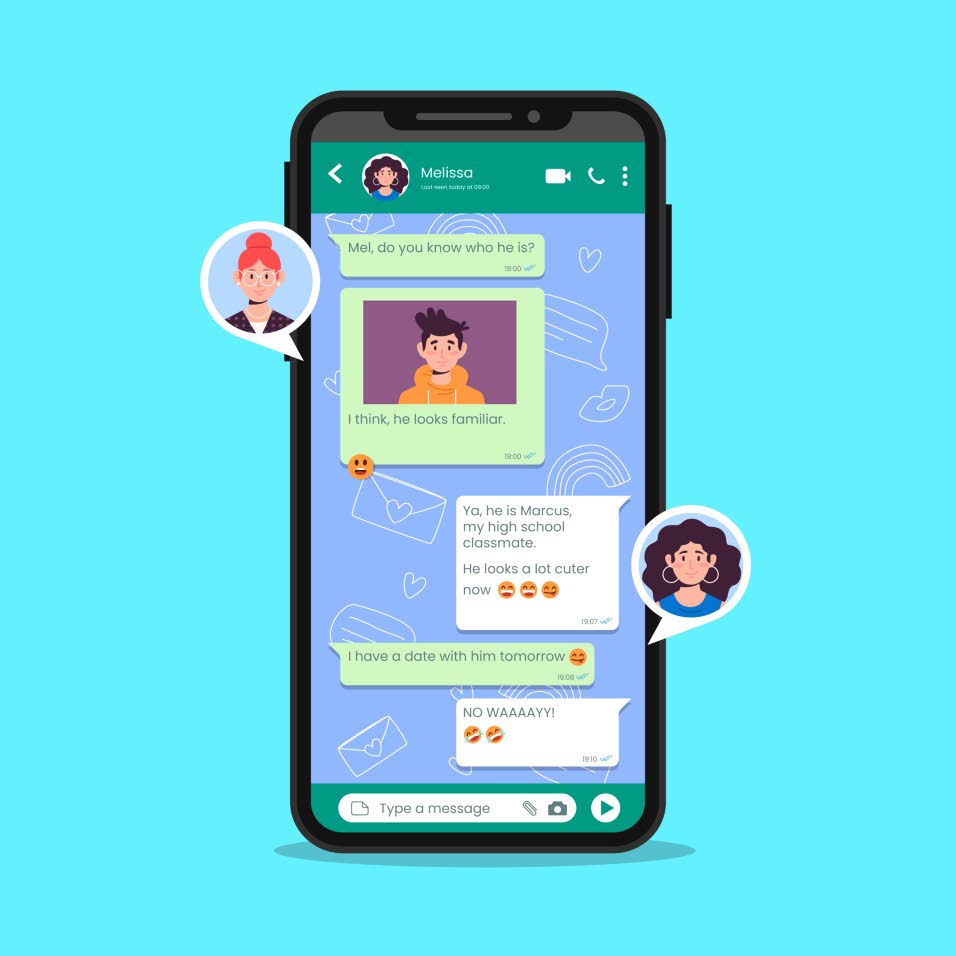
For seamless communication, create a single, dedicated group chat for everyone involved in the wedding planning. Centralising quick updates in one location is crucial for preventing confusion and message overlap.
To streamline wedding planning, use a shared calendar app like Google Calendar or Apple Calendar. This tool not only helps you manage all deadlines but also provides real-time access to updates for everyone concerned, ensuring efficiency and control. (Photo: rawpixel.com)
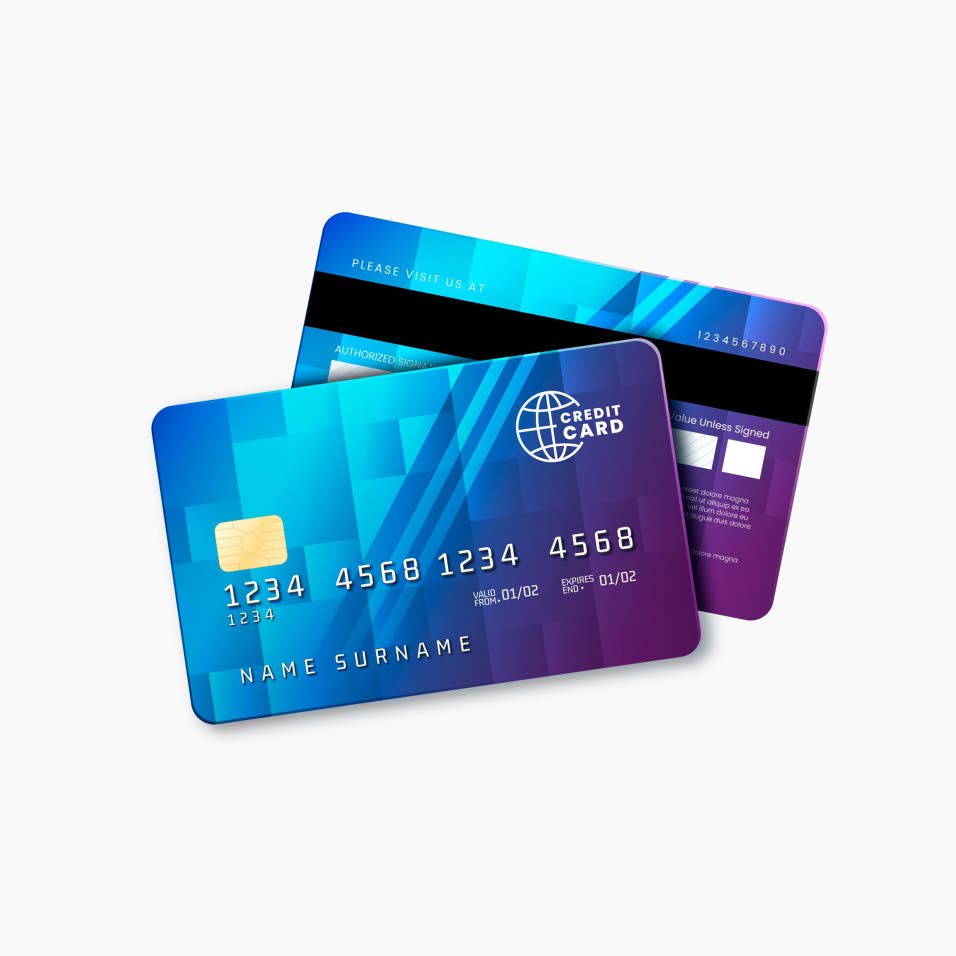
Using a separate credit card for wedding purchases is smart: It makes tracking payments and managing your budget easier, all while increasing your rewards points for honeymoon travel.

Shikima Hinds Logo.


